Introduction
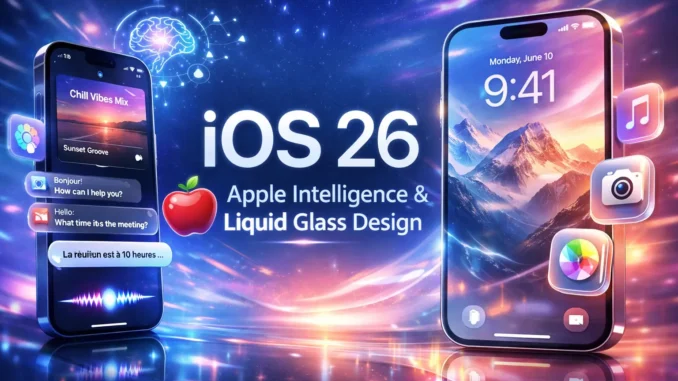
Apple’s latest mobile operating system, iOS 26, marks one of the most ambitious updates to the iPhone platform in years. With a completely redesigned interface known as Liquid Glass and a deeper integration of Apple Intelligence, the update signals Apple’s shift toward a more visually immersive and AI-driven mobile experience.
More than just a cosmetic upgrade, iOS 26 introduces smarter tools for communication, productivity, and personalization. From live language translation to AI-generated playlists and a redesigned Lock Screen, the system aims to redefine how users interact with their iPhones in everyday life.
The Most Important iOS 26 Feature: Apple Intelligence
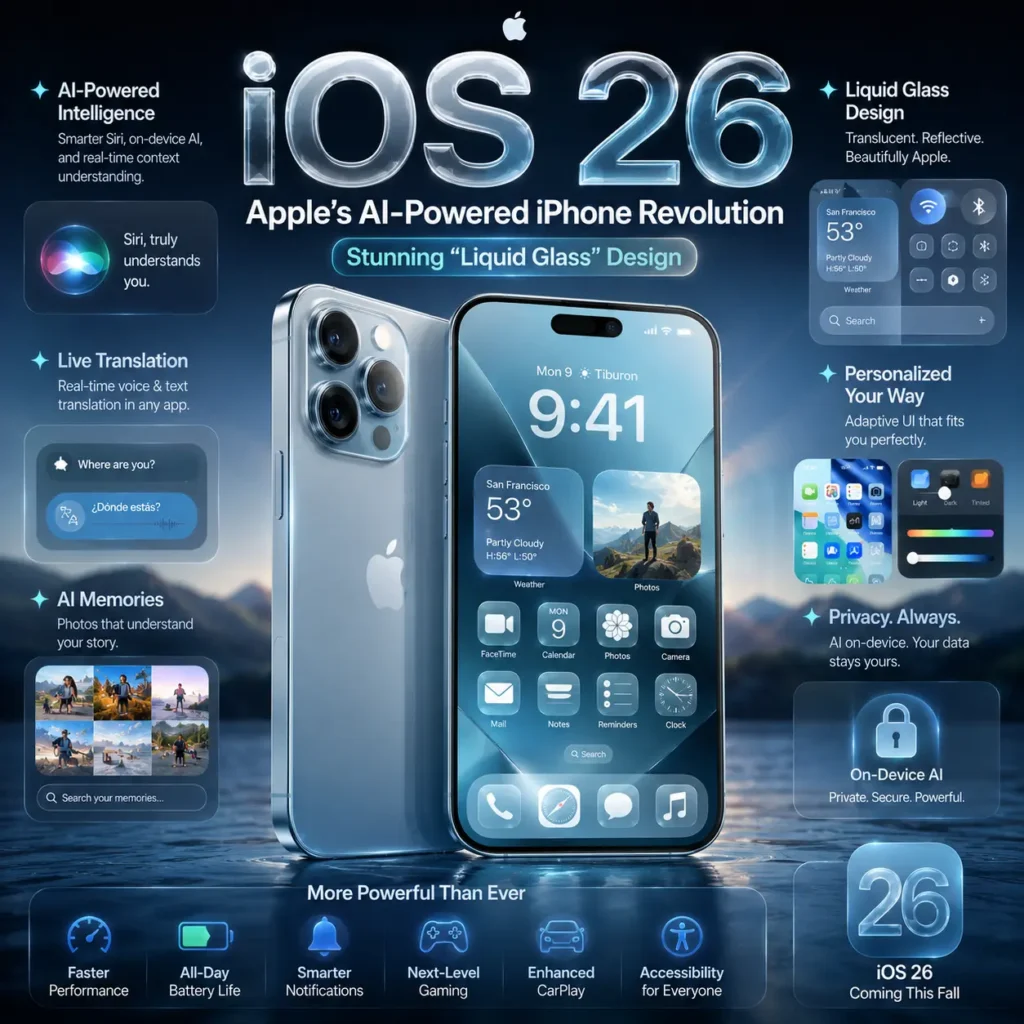
The standout innovation in iOS 26 is Apple Intelligence, Apple’s AI framework integrated across the operating system. The technology helps users automate tasks, interpret content, and communicate more efficiently while maintaining Apple’s strict privacy standards.
Key AI capabilities include:
- Live Translation Across Apps
Users can translate conversations instantly in Messages, FaceTime, and phone calls. Spoken responses can also be translated and delivered through AirPods in real time. - Visual Intelligence
Apple Intelligence can analyze content on your screen, such as images, text, or products, and allow users to search, ask questions, or create calendar events directly from what they see. - AI-Generated Music Playlists
Upcoming updates allow users to generate playlists simply by typing a phrase or mood description, bringing generative AI into Apple Music. - Smarter Communication Tools
Messages and Phone apps are becoming more intelligent with features designed to prioritize meaningful interactions while filtering distractions like spam calls.
The “Liquid Glass” Interface: Apple’s Bold New Design Language
One of the most visually striking changes in iOS 26 is the introduction of Liquid Glass, a system-wide design language that gives the interface a dynamic, translucent appearance.
The design uses glass-like layers that reflect and refract surrounding colors, creating a fluid effect across the Lock Screen, Control Center, and apps.
Highlights of the new design
Dynamic Lock Screen: The clock automatically adjusts around your wallpaper subject and adds subtle 3D motion effects.
Updated App Icons: Users can choose between light, dark, tinted, or transparent icon styles.
Dynamic Controls: Interface elements morph and expand depending on context, giving apps a cleaner and more responsive layout.
This design shift marks Apple’s move away from the flat design introduced years ago, replacing it with a more expressive and immersive interface.
Major iOS 26 Features You Should Know
Beyond AI and design, iOS 26 includes several powerful updates that improve everyday usability.
Users can store passport-verified digital IDs inside Apple Wallet for identity verification in supported apps and locations.
- A New Preview App for iPhone
For the first time, iPhone users can view, edit, scan, and export PDFs directly from a built-in Preview app.
Widgets and Live Activities now appear on the dashboard, giving drivers quick access to navigation, music, and messages.
- Advanced Accessibility Tools
Features such as Braille Access and motion-sickness reduction tools make the iPhone more inclusive and easier to use.
Recent updates added the ability to transfer data directly from an iPhone to an Android without requiring a separate app.
New Features Coming in Upcoming Updates
Apple continues to expand the platform with incremental updates.
Recent beta releases of iOS 26.4 introduced additional AI capabilities in Apple Music and system refinements as Apple prepares more improvements for future releases.
Other updates include:
Over 160 new emoji designs added to the iPhone keyboard.
Improved visual settings for accessibility and display effects.
Ongoing development of a major next-generation Siri upgrade is expected in future versions.
Why iOS 26 Is a Turning Point for the iPhone
iOS 26 represents more than just another yearly update. It reflects a broader transformation in Apple’s software strategy, combining AI, design innovation, and ecosystem integration to make the iPhone smarter and more intuitive.
With Apple Intelligence embedded across the operating system and the immersive Liquid Glass interface redefining the look of iOS, Apple is positioning the iPhone for a new era of intelligent computing.
For users, the result is a more personalized, more powerful smartphone experience—one that continues to evolve with every update.